Best Laser Engraver for Beginners UK 2026: Easy, Safe & Affordable
If you're thinking about getting into laser engraving, you've probably noticed the market is split between affordable diode lasers and expensive CO2 machines that demand serious space and ventilation. The good news: you don't need the expensive kit to produce professional results. The right beginner machine—paired with the right software—will let you engrave wood, leather, acrylic and anodised aluminium from day one.
The key is choosing a plug-and-play diode laser with strong software support. Diode models are safer indoors, require less maintenance, and won't break the bank. Two machines stand out for beginners: the xTool D1 Pro 10W and the Sculpfun S9. Both work brilliantly with free or low-cost software and have active communities ready to help when you hit a snag.
Why Diode Lasers Win for Beginners
CO2 lasers are powerful and fast, but they come with costs that beginner setups can't absorb. They need dedicated ventilation (a proper duct or carbide filter), they consume consumables constantly (mirrors, lenses, gas), and they're substantially more expensive upfront.
Diode lasers cut through those barriers. They run cool enough to sit on a desk, they don't degrade optical components the way CO2 machines do, and they're forgiving about imperfect ventilation. Indoors, with a small fume extractor or open window, they're manageable. They're also honest about what they can and can't do: they engrave beautifully and cut thin materials, but they won't rip through thick acrylic or sheet metal.
For learning the fundamentals—design, material prep, power and speed settings, safety—a diode laser is ideal. You'll focus on technique rather than fiddling with mirrors.
The xTool D1 Pro 10W: The Crowd Favourite
The xTool D1 Pro is the machine most UK beginners buy, and for good reason. It's compact (roughly A2-sized cutting area), reliable, and has a large user base sharing tips and fixes online.
The 10W version strikes the sweet spot. It cuts 3mm plywood cleanly, engraves photographs and fine detail sharply, and it's stable enough that your first project won't wobble out of alignment halfway through. The autofocus makes dial-in quicker than older models, and the camera module (optional, but genuinely useful) lets you see exactly where your design sits on your workpiece before firing the laser.
It runs on LightBurn, the software most professionals use. LightBurn costs around £50 (you get a 30-day free trial), but it's a one-off purchase with no subscriptions. The UI is intuitive: import your design, arrange it, set power and speed, preview it on the bed camera, and go. Alternatives like LaserGRBL are free and will work, though LightBurn's workflow is tighter.
The main drawback: the D1 Pro is tethered to a laptop or desktop when engraving. It's not fully autonomous; you need a computer running nearby.
The Sculpfun S9: The Performance Option
The Sculpfun S9 is newer to the UK market but gaining ground fast. It's slightly larger than the D1 Pro, cuts a bit faster, and the build quality feels premium. For beginners, though, the headline feature is the offline control panel: you load files onto the machine's built-in storage and engrave without a computer tethered to it. That matters if you want to set up a small workshop away from your desk.
The S9 works with both LightBurn and LaserGRBL, so software flexibility is good. Power options start at 10W, and the 10W model delivers performance you'd typically find in higher-power diode units from other brands. Alignment and beam focus are smooth, and replacement parts are cheaper than comparable xTool accessories.
If you've got space and want a machine that feels more like a standalone tool, the S9 edges ahead. If desk space is tight or you prefer a proven ecosystem, the D1 Pro is your call.
Getting the Software Right
Don't overthink this: download LightBurn's trial or use LaserGRBL (free) and test both. LightBurn's edge is better design tools, library management, and camera integration. LaserGRBL does the job for straightforward engraving and cutting jobs without the cost. Most beginners land on LightBurn eventually because the workflow is faster, but there's no shame in sticking with free software if it suits your needs.
Either way, you're not locked in. Both machines support industry-standard file formats, so switching tools later doesn't restart your learning.
Safety and Setup
Laser safety isn't complicated, but it's non-negotiable. Both machines have interlocks (the laser cuts when the lid opens), but eye protection is still essential. A pair of 1064nm laser safety glasses (around £15–25) is mandatory.
Ventilation depends on what you're engraving. Wood and acrylic produce smoke and odour; anodised aluminium doesn't. For wood and acrylic at home, a small inline fume extractor (£40–80) with ducting to a window works fine. You don't need an expensive carbide filter system for a diode laser.
Real Costs and First Projects
Both machines cost between £400 and £700 depending on spec. Add £50 for LightBurn, £20 for safety glasses, and £50–100 for a fume extractor. You're looking at roughly £600–850 all-in to engrave your first piece.
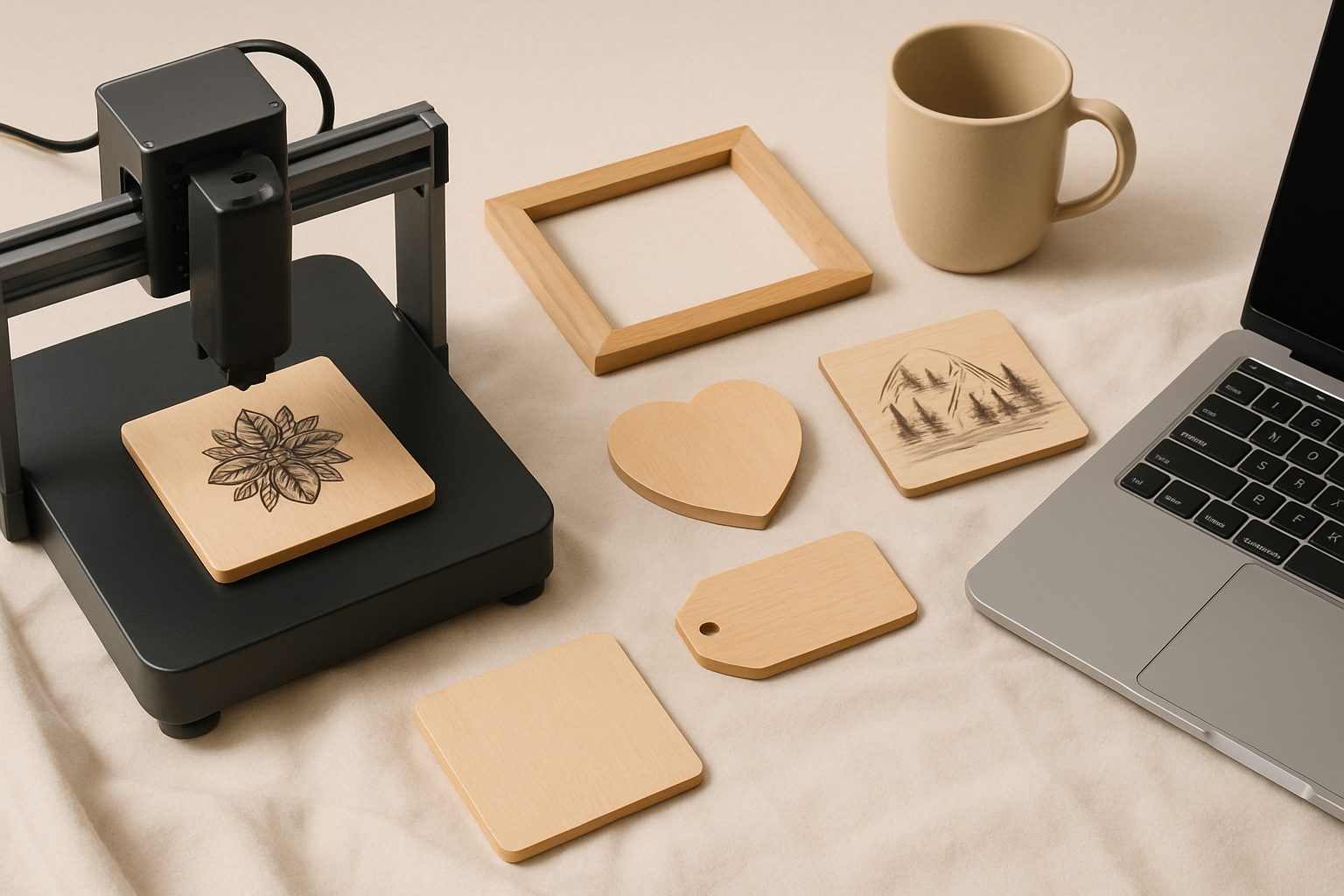
First projects that actually work: wooden phone stands, leather bookmarks, personalised wooden boxes, acrylic trophies, coasters with photographs. These are profitable small-batch items if you want to sell, or satisfying proof-of-concept work if you're just learning.
Where to Go Next
Both machines have active community forums and plenty of YouTube walkthroughs. If you get stuck—say, your engraving looks faded or your cuts don't go through—you'll find answers quickly.
Neither machine is a bad choice. The xTool D1 Pro is the proven path; the Sculpfun S9 is the emerging challenger with slightly better value. Pick the one that fits your space and workflow, grab the safety kit, and start with simple designs. You'll be surprised how fast you move from beginner to confident.
More options
- xTool D1 Pro Diode Laser Engraver (Amazon UK)
- Sculpfun S30 Pro Laser Engraver (Amazon UK)
- Atomstack A20 Pro Laser Engraver (Amazon UK)
- Laser Engraver Safety Goggles (OD6+) (Amazon UK)
- Laser Engraver Air Purifier / Fume Extractor (Amazon UK)