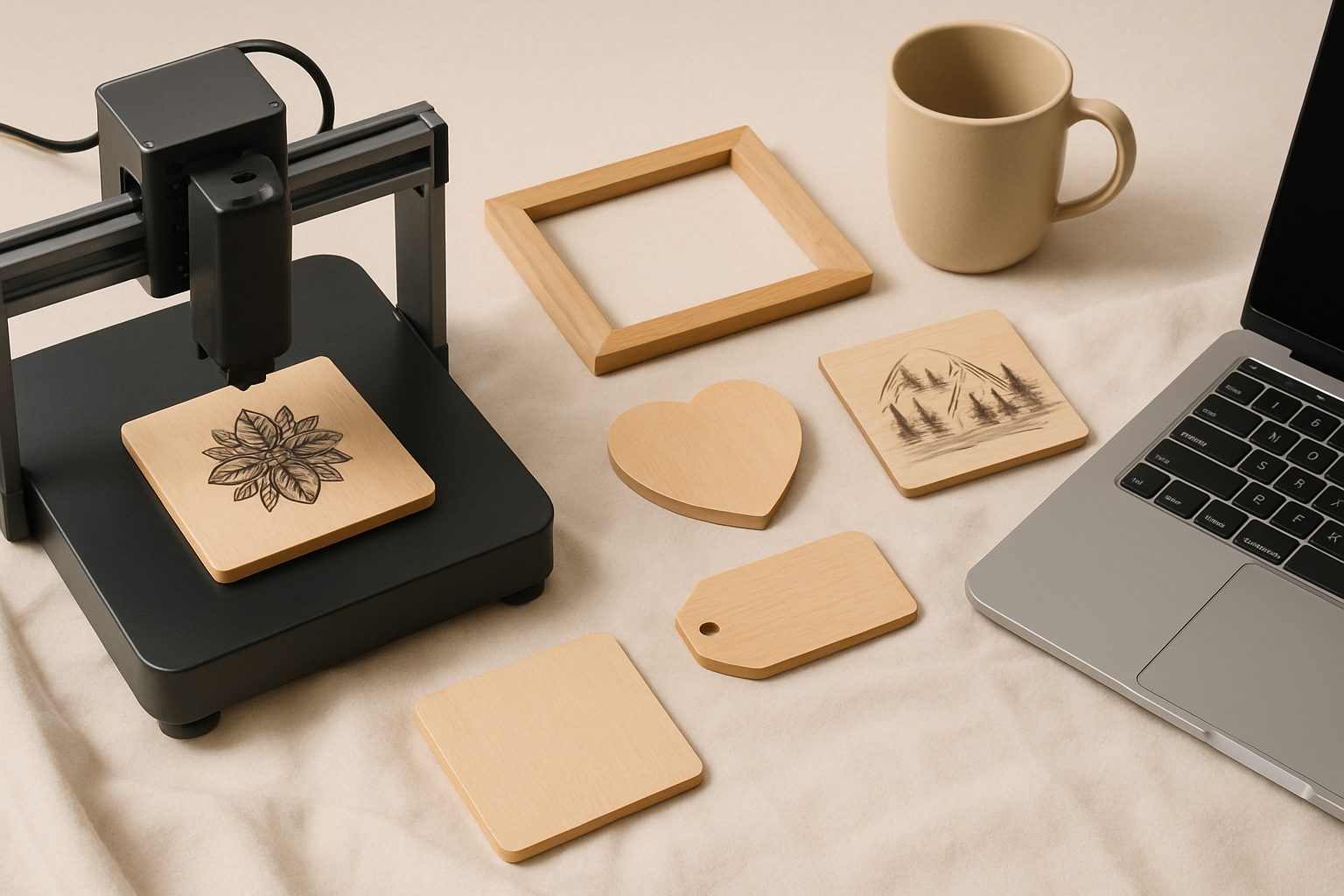
Best Laser Engraver Under £200 UK: Budget Buys That Actually Work
If you're dipping a toe into laser engraving, dropping £2,000 on a machine before you've cut anything feels reckless. The good news is that diode laser engravers have become genuinely capable in the sub-£200 bracket, especially from retailers shipping into the UK. They won't match the speed or power of industrial CO2 units, but for hobbyists, craft businesses, and testing the waters, they're legitimate tools that produce real results.
The key trade-off is understanding what you're getting: diode lasers (3–10W) are slower than their CO2 cousins and struggle with thick materials, but they're compact, affordable, and more than adequate for wood, acrylic, leather, and anodised aluminium work. Let's look at the machines that genuinely deliver under the two-hundred-quid ceiling.
Sculpfun S9: The Balanced Choice
The Sculpfun S9 is probably the most popular sub-£200 option arriving in the UK right now. It's a 5W diode laser with a 410×410mm engraving area, which is respectable for a desktop unit. The stock firmware is decent, but more importantly, it's compatible with LightBurn, the industry-standard engraving software—a real advantage for anyone serious about quality work.
Performance-wise, you're looking at roughly 100mm/s engraving speed on wood and 50mm/s on thicker materials. Cutting through 3mm plywood is feasible; 5mm requires patience. What sets the S9 apart is reliability: thermal management is decent, the build quality doesn't feel like a budget cut-corner, and the community is large enough that troubleshooting problems is straightforward.
The trade-off: a 5W diode isn't powerful enough for anodised metals or very thick materials, and engraving depth on soft woods is shallow. But for badges, acrylic signage, leather cutting, and detailed wood burns, it's genuinely capable.
Ortur LM3: The Underrated Performer
The Ortur LM3 punches slightly above its weight. It's a 7W diode laser with a 400×400mm work area, and the extra wattage matters more than it sounds: cutting speed jumps noticeably compared to 5W units, and power density on detail work is sharper.
The stock software is basic, but LightBurn compatibility again gives you professional control over settings. The cooling system is more robust than entry-level alternatives—important if you're running extended jobs. Real-world experience suggests the LM3 cuts through 4–5mm plywood with reasonable speed and handles metal engraving better than weaker machines.
The weakness is that 7W isn't enough for production-speed work, and the bed support can be fiddly to set up if you're using different material thicknesses. It's also the borderline at £200; timing and supplier can push it slightly over budget. That said, if you can find one at the right price, it's arguably the cleverest value proposition here.
Two Trees TS2: Entry-Level and Honest
The Two Trees TS2 is a 5W option similar to the S9 but pitched at absolute beginners. It's simpler (and sometimes cheaper), with a 160×100mm work area—substantially smaller than rivals.
The upside: the software is intuitive, and if you're only doing small personalisation jobs (pet tags, custom wedding favours), that smaller bed is actually fine. It's built for those just starting out, and it shows in the design.
The catch: that cramped work area is genuinely limiting. Anything larger than a greeting card needs creative positioning. Speed and power are identical to the S9, so you're not gaining performance—you're trading versatility for simplicity and a lower price point. Worthwhile if your jobs are small; frustrating if you ever need bigger material.
What Actually Matters When Buying
Power doesn't tell the whole story. Two 5W lasers from different manufacturers can behave quite differently depending on lens quality, cooling, and firmware. Always check real-world cutting tests on forums, not just wattage claims.
Software compatibility is critical. Buying a machine locked to mediocre stock software is a false economy. Ensure it works with LightBurn (which costs £60 but is industry-standard and genuinely worth it) before committing.
Work area size matters more than specs suggest. A 400×400mm bed sounds ample until you're trying to fit a 350mm piece of timber and realise 30mm tolerance on both axes is tight. Measure your typical projects before settling on a model.
Cooling and duty cycle count. A budget laser that overheats after 20 minutes is unusable. Check whether active cooling (fans, water circuits) is built-in or optional.
What These Machines Can't Do
Diode lasers won't engrave polished metals, stone, or glass—the light simply doesn't interact with them properly. Very thick hardwoods require multiple passes and patience. If you need production speeds (100+ pieces per day), you'll outgrow a budget diode within months.
They're also smaller and noisier than people expect. Running one at home requires consideration for neighbours.
The Honest Verdict
All three of these machines do the job they're designed for: enabling beginners and hobbyists to start laser engraving without crushing debt. The Sculpfun S9 offers the best balance of power, community support, and value. The Ortur LM3 is the smartest pick if you can stretch to it and expect to grow into more ambitious projects. The Two Trees TS2 makes sense only if your material needs genuinely stay small.
None of them will make you regret buying a diode laser instead of a CO2 unit—they're simply different tools for different work. Buy the one that matches your project size and budget. You can always upgrade when you know what you actually need.
Ready to get started? [See our beginner's guide to laser engraving safety and software setup.]
More options
- xTool D1 Pro Diode Laser Engraver (Amazon UK)
- Sculpfun S30 Pro Laser Engraver (Amazon UK)
- Atomstack A20 Pro Laser Engraver (Amazon UK)
- Laser Engraver Safety Goggles (OD6+) (Amazon UK)
- Laser Engraver Air Purifier / Fume Extractor (Amazon UK)